How to identify a vinyl record from a photo of the cover
You are flipping through crates and want to remember a record without buying it on the spot.
Short answer
Open Diggit, take a photo of the sleeve or the center label. Diggit reads the artist, title and label, finds the release, and saves it to your Wantlist with a preview and links to Discogs, Bandcamp and online record shops.
Why this is harder than it should be
Digging in a shop, you find ten records you like and can afford two. The other eight become photos in your camera roll that you will never look up again.
The same happens at a friend’s place, on a flyer, or in a radio studio. The information is right in front of you, but there is no quick way to turn it into something you can listen to and buy later.
How to do it with Diggit
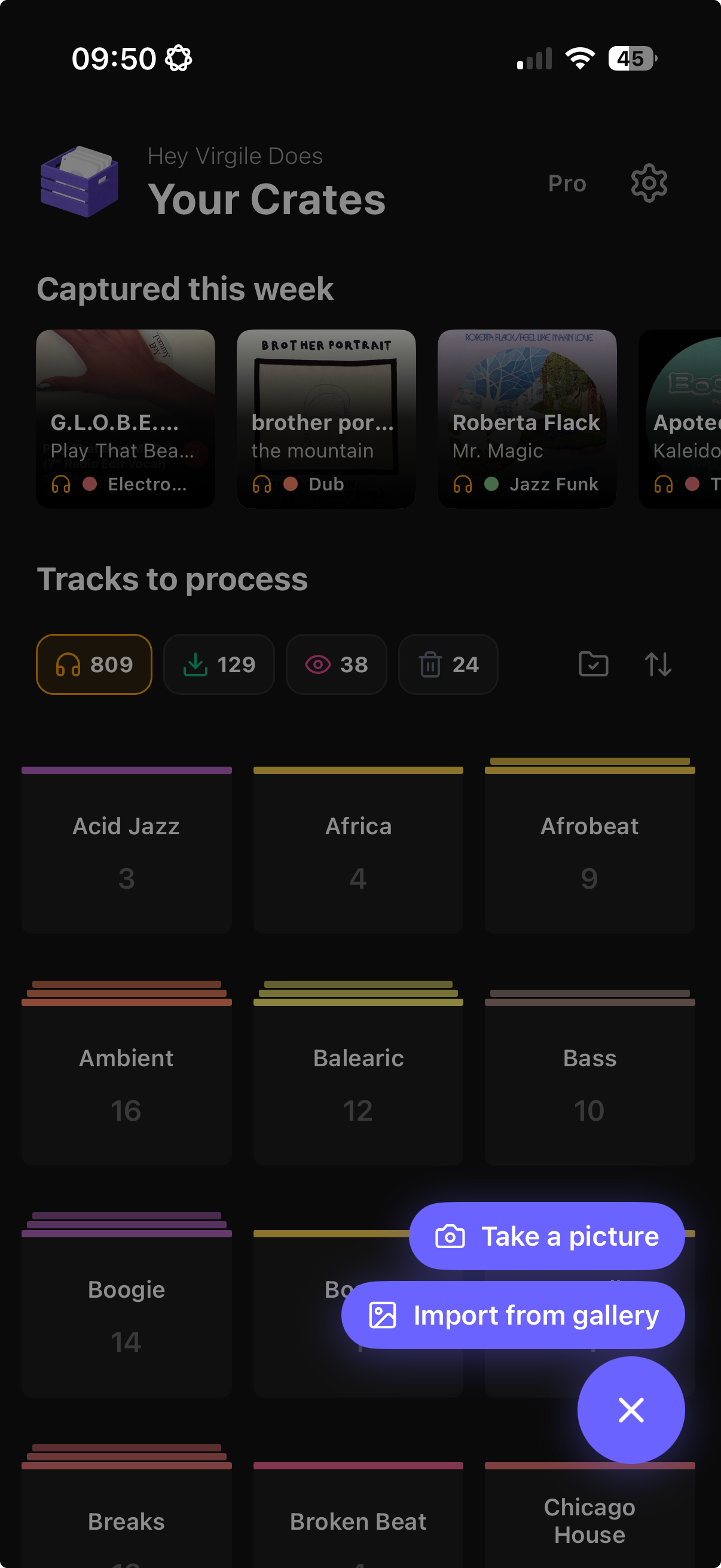
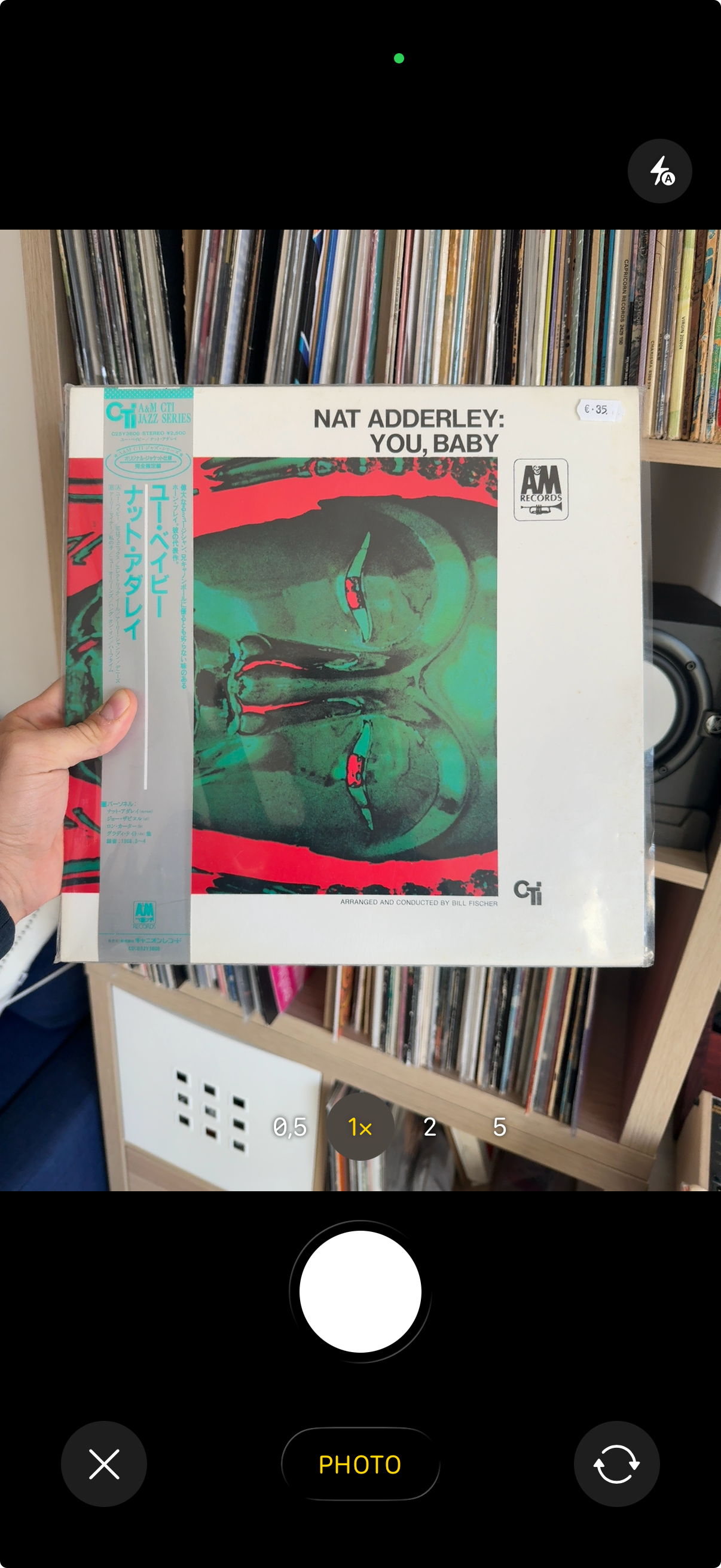
- 1
Take the photo from Diggit
Tap the camera icon in the app (or in the bar at diggitmusic.online on a laptop) and shoot the front cover or the center label. A photo from your camera roll works too.
- 2
Diggit identifies the release
The text on the sleeve is read and matched. You get the artist, the title, the cover art, the style and a preview so you can check it is the right record.
- 3
Mark it Wantlist
Save it to a crate and set the status to Wantlist. The vinyl buy link opens the Discogs listings; the digital link shows where to download it if you want it for a USB set.
Other ways to do it
- Search the catalog number from the spine or the runout on Discogs.
- Use the Discogs app scanner on records with a barcode (pressings since the 1980s).
Tips from diggers
- Shoot the center label when the cover is a plain picture with no text: the label almost always carries the artist, title and catalog number.
- Add the price you saw in the shop in the track note so you can compare with online prices later.
Frequently asked questions
Does Diggit replace my Discogs collection?
No. Diggit sits upstream: it is the inbox for records you have not decided on yet. Once you buy, mark the track Collection and add it to Discogs if you catalog your collection there.
Does it work on 7-inch singles and old records without barcode?
Yes. Diggit reads the printed text, not a barcode, so any sleeve or label with a legible artist and title works.