How to cop the tracks you saved, when you actually need them
You know you saved good tracks. Finding where to buy each one takes longer than listening.
Short answer
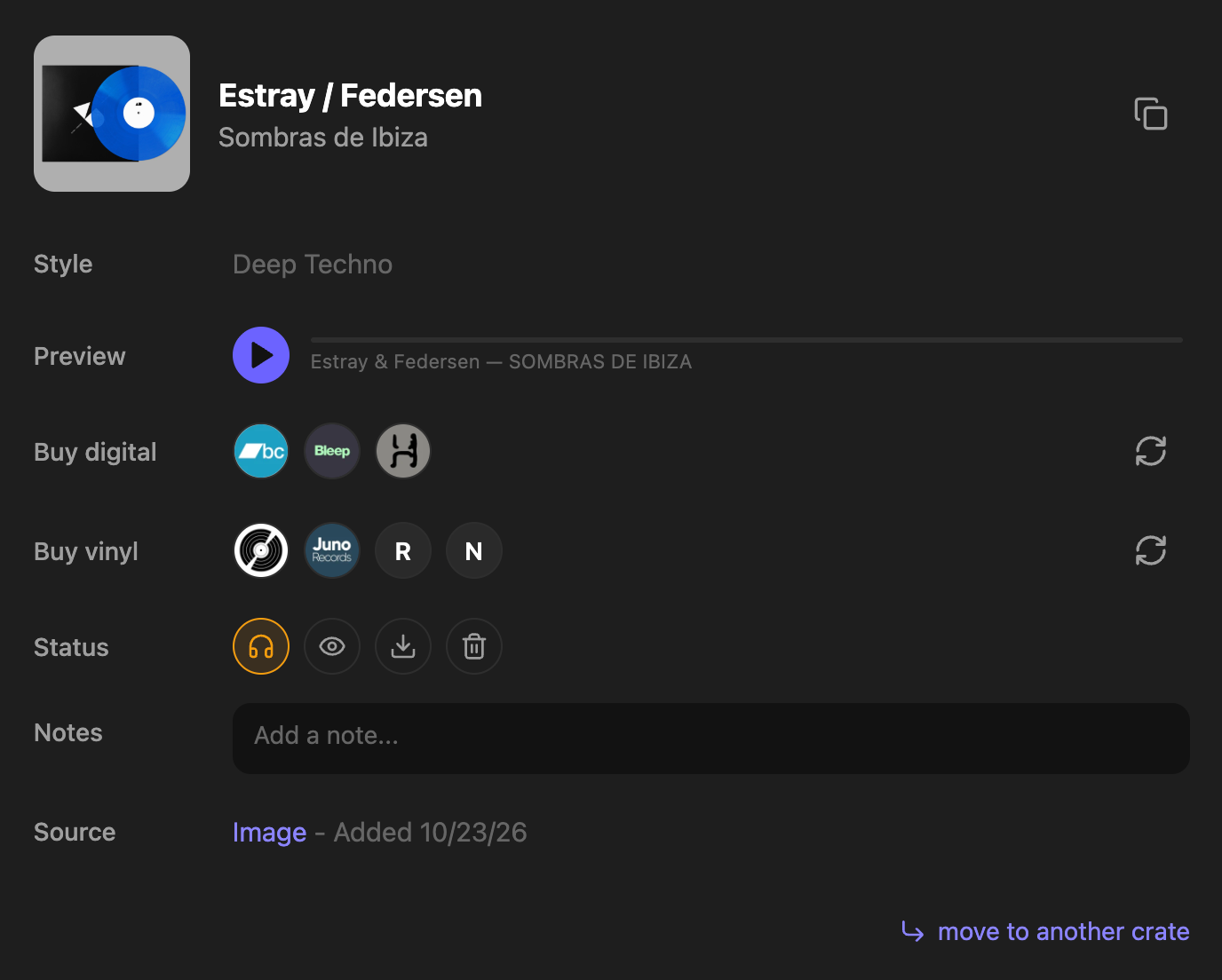
Open the crate, play the preview, and use the buy links already on the track: Bandcamp and Beatport for a download, Discogs and record shops for vinyl. Then mark it Collection or Wantlist.
Why this is harder than it should be
Buying usually means retyping the same artist and title into Bandcamp, then Beatport, then Discogs, and checking you are getting the extended mix and not the radio edit.
Diggit keeps that work on the track card. You buy at the moment you decide to play the track, not the moment you first heard it.
How to do it with Diggit
- 1
Open the crate for the gig
Every track you filed there has a preview. Listen on headphones or monitors, not a phone speaker.
- 2
Decide with a status
Collection once you have bought or downloaded it. Wantlist if you want it and have not bought it yet. Trash if it does not make the cut. Every track starts as To Listen.
- 3
Buy from the card
Buy digital opens Bandcamp, Beatport and other download stores. Buy vinyl opens Discogs and online record shops. You pay the store, at the store price. Then import the file into your DJ software as usual.
Tips from diggers
- Buy the version you heard: the original or extended mix for a set, not the radio edit.
- Review the Wantlist crate once a month instead of buying track by track during the week.
Frequently asked questions
Where do the buy links come from?
Diggit Pro finds them for each saved track: download stores such as Bandcamp and Beatport, and vinyl listings on Discogs and online record shops. Diggit does not sell the music.
What do the track statuses mean?
To Listen is the start. Collection means you bought or downloaded it. Wantlist means you want it and have not bought it. Trash means it does not make the cut.
Can I do this on a computer?
Yes. The web app at app.diggitmusic.online has the same crates, previews and buy links as the phone.